Tesla screen alerts are no reason to panic: what Service Mode shows
We opened Service Mode on a Tesla Model 3 with 130,000 km and explained why most alerts are information, not faults.

New Tesla owners are often alarmed by the first messages on the screen. In the latest video on the "Mașina Timpului" channel, Andrei opens Service Mode on the Tesla Model 3 he has driven for almost 130,000 km in three years and shows what those alerts really mean. In short: most are useful information, not a reason to book a service visit right away.
Disclosure: the video is supported by iHunt Romania.
Why a Tesla shows so many messages
The car constantly monitors its systems and logs messages. Some show up in the notification area, the rest stay in Service Mode. Andrei shows everyday examples: "vehicle will not brake" appeared because he pressed the accelerator while Autopilot was on, and another message asked him to unplug the cable because he had got in while the car was charging. Each alert explains the cause and the fix, but it disappears quickly.
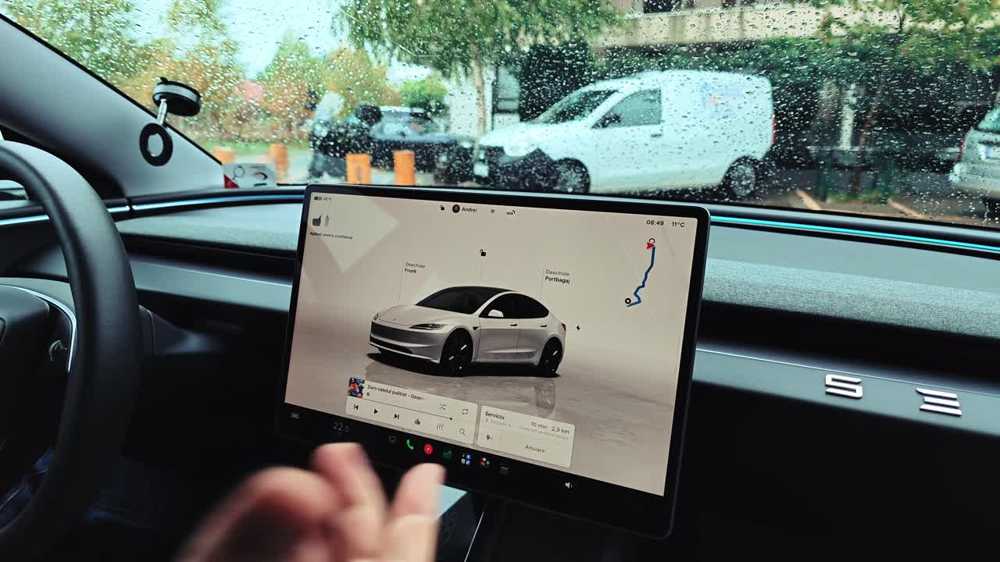 Screenshot from the Mașina Timpului video
How to open Service Mode
Tesla documents the path itself: Controls → Software, press and hold the model name under the car image for a few seconds, then enter the access code service. A red border appears. Tesla warns not to drive in Service Mode, and calibrations are meant for technicians. Look, don't touch.
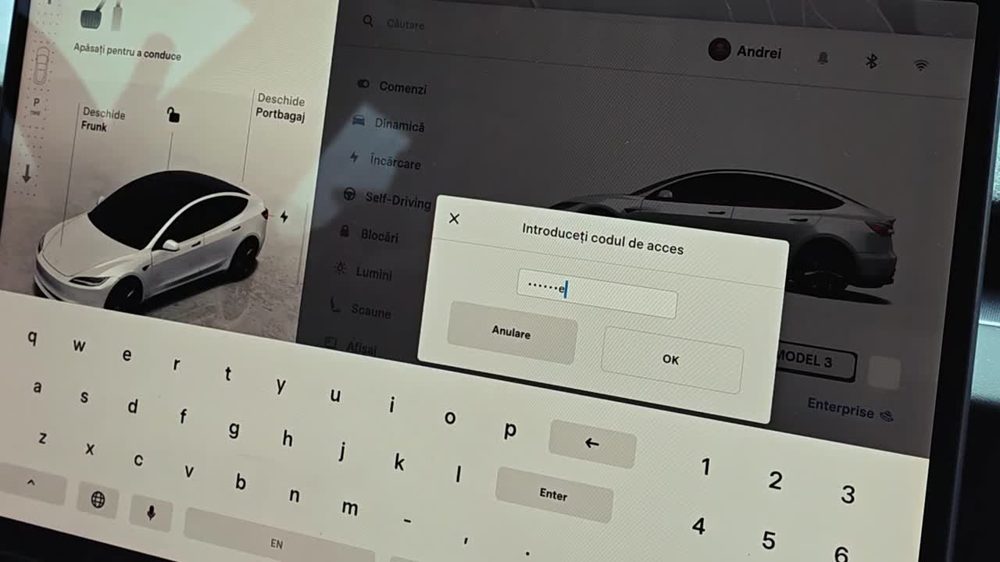 Screenshot from the Mașina Timpului video
A real example: tire pressure sensors
Under Tools → Active alerts, a few red alerts led to the TPMS system: three of the four Bluetooth pressure sensors had an internal battery below 2.5 V, and the car even explained when the alert clears (2.75 V). Nothing urgent, just an early warning that the sensors need replacing. Andrei has already ordered new ones for the winter tire swap.
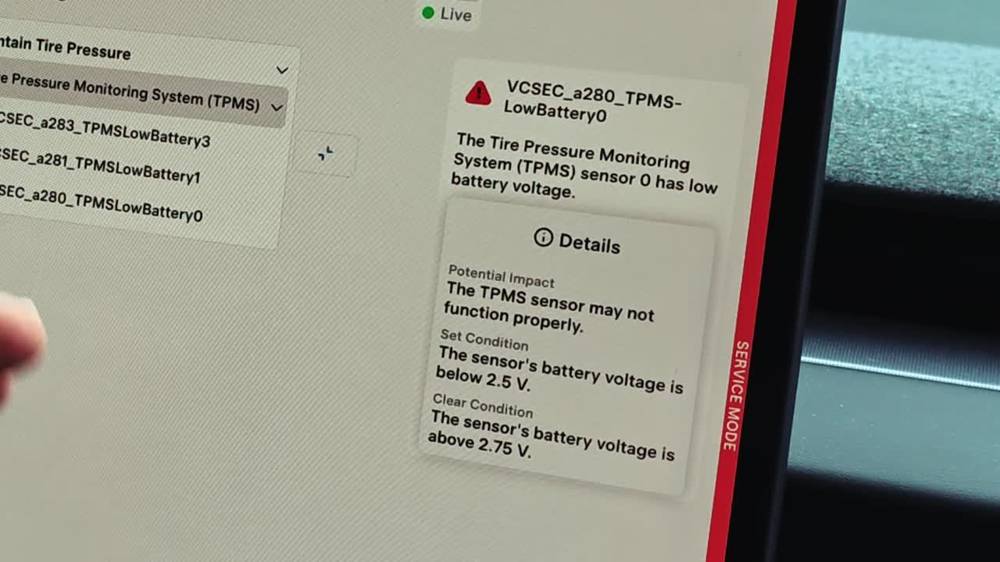 Screenshot from the Mașina Timpului video
The same menus show traction battery temperature (11.5 °C on the day), the 12 V battery, brake pressure and camera status.
Many alerts clear on their own
A "dirty" camera warning when parked facing a wall or in strong glare, or Autopilot asking for a hand on the wheel for a while, often resolves by the next stop. If an alert persists in normal driving, in town or on the highway, that is when a service appointment makes sense.
What it means for drivers
- Read the full message first: it usually includes the cause and the fix.
- Service Mode is for reading, not for adjusting.
- No mandatory servicing is needed to keep the warranty. In Europe, Tesla offers 4 years or 80,000 km basic warranty and 8 years on battery and drive unit, with mileage depending on the version.
- Electrical accessories are best fitted by a professional to avoid warranty disputes.


